Featured lesson
Create Figma Prototypes with Microinteractions
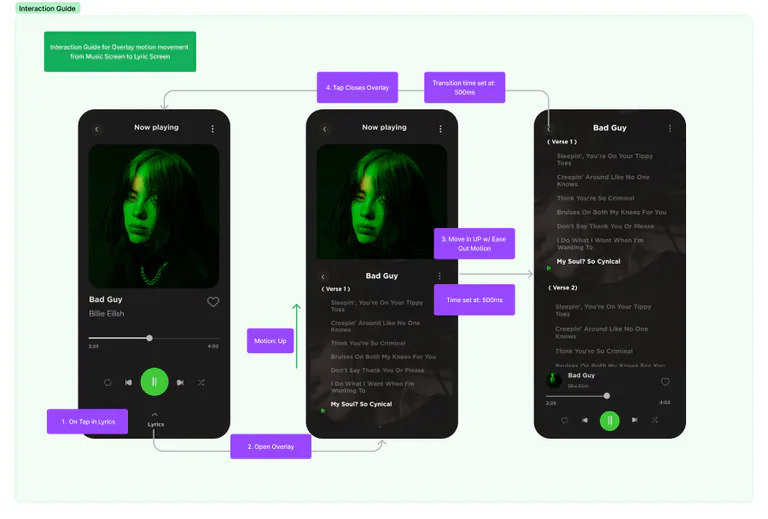
Enhance prototypes with microinteractions in Figma. Learn how to add overlays & improve user experience with this guide.

OpenForge learning library
Practical OpenForge lessons on mobile product design, interface design in Figma, accessibility, user feedback, app marketing, and measurement.
The current Mobile Academy library offers practical reference material for founders and product teams across mobile product design, hands-on interface design in Figma, accessibility, feedback, and mobile app marketing. It does not yet offer a dedicated software-development curriculum.
Featured lesson
Enhance prototypes with microinteractions in Figma. Learn how to add overlays & improve user experience with this guide.
All learning paths
The library covers design, hands-on interface work, and marketing. It does not yet include a dedicated development curriculum.
Research, accessibility, feedback, and experience decisions.
Mobile product design
Enhance prototypes with microinteractions in Figma. Learn how to add overlays & improve user experience with this guide.
Open lessonMobile product design
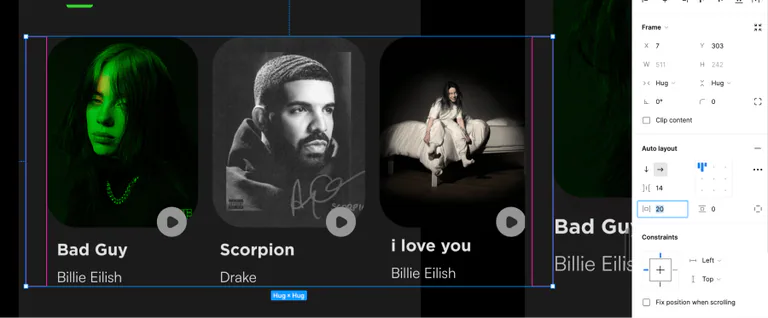
Enhancing with Micro-interactions: Bring real-world experience to digital products. Learn how to provide instant feedback.
Open lessonMobile product design
As a designer, during the hand-off phase clear communication is crucial. This guide will show you how to ensure a successful product launch.
Open lessonMobile product design
Design app navigation for intuitive and obvious path to user's desired goal. On this chapter we'll cover horizontal and vertical scrolling
Open lessonMobile product design
Implementing overlays to your screens and enhancing organic storytelling is the basis for successful interaction design.
Open lessonMobile product design
Boost engagement on your platforms by incorporating video integrations. Learn to Increase Interactivity with Videos & enhance user experience
Open lessonMobile product design
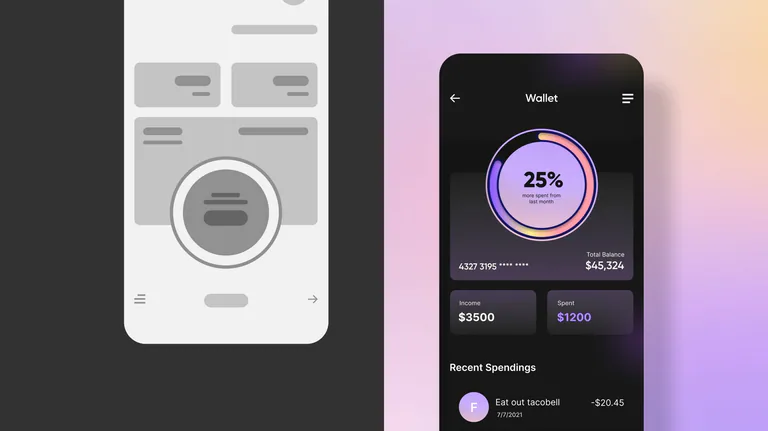
Make your prototypes more realistic is required to take your design to the next level, make your prototypes as accurate as possible.
Open lessonMobile product design
Create inclusive designs for mobile users with tips on enhancing mobile accessibility. Avoid common design mistakes & improve usability.
Open lessonMobile product design
Before you design any digital product, remember to incorporate accessibility into your plan, we hope that this guide will be helpfull
Open lessonMobile product design
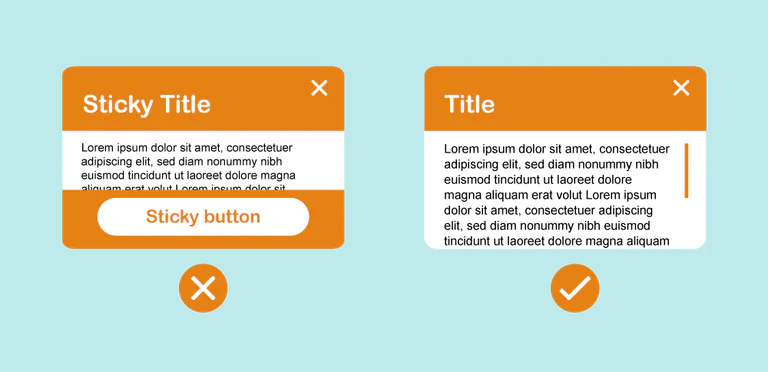
Design accessible sticky states for better UX. Follow recommendations for buttons & states accessible to all users.
Open lessonMobile product design
Ensure accessibility for visually impaired users with text alternatives. Learn how to add transcripts and descriptions to your images.
Open lessonMobile product design
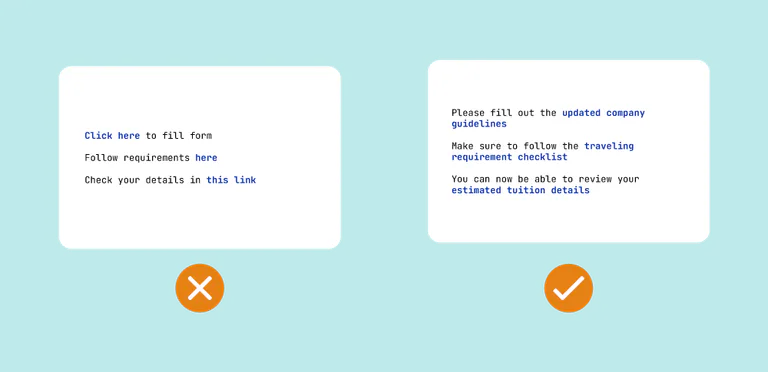
Discover how to make linked texts identifiable and design easy-to-find sticky states for enhanced accessibility.
Open lessonPractical screen design, systems, and prototyping lessons.
Interface design in Figma
Mobile application design is hard. You’ll need to establish the branding & overall look and feel, define the design system, and more.
Open lessonInterface design in Figma
So you have created a product map and defined key elements of your design system, it’s time to build your prototype!
Open lessonInterface design in Figma
This guide will show you the design and prototyping tools on the market that will allow you to create and maintain design systems.
Open lessonInterface design in Figma
This guide will help you to create a product map to visually represent every feature and screen of your product in one view.
Open lessonInterface design in Figma
Create a style guide, an important reference point, based on your design system and the branding requirements for your product.
Open lessonInterface design in Figma
This guide will help you to find a design system to form your designs. Don't reinvent the wheel and give your developers a break.
Open lessonInterface design in Figma
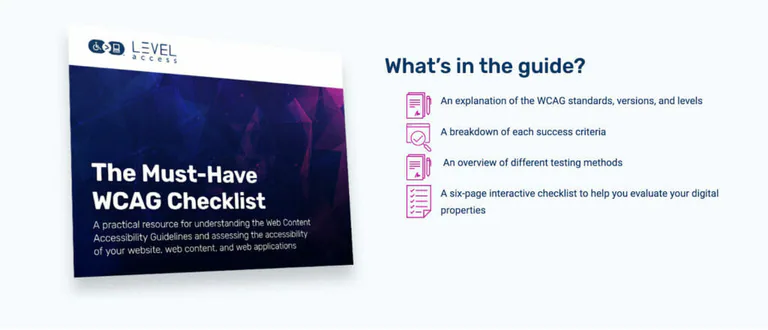
Before you rush out and start designing your product, it’s important to review accessibility guidelines. This guide will help you with this.
Open lessonInterface design in Figma
You should inform your decisions, first start by conducting market research, learning about your target audience, and identify pain points.
Open lessonInterface design in Figma
Mobile application design can reduce customer acquisition costs, increase customer retention, and capture a higher market share.
Open lessonInterface design in Figma
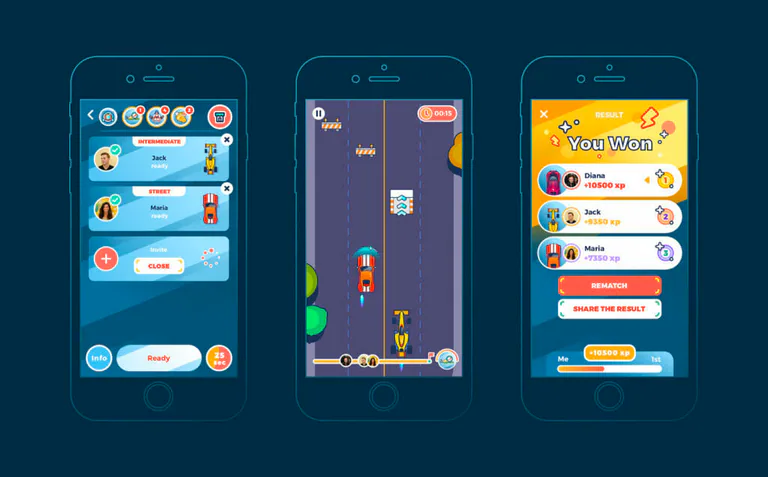
In this guide we will show you how to Design User Interfaces for Mobile Games in Figma
Open lessonInterface design in Figma
The Mobile Game Design industry is linked to creative and artistic departments. This guide will show you common challenges when designing.
Open lessonInterface design in Figma
Want to get involved in mobile game design? You should start researching your main challenges and consider why people like mobile games.
Open lessonInterface design in Figma
As with any other project, setting a tone through identity is important for you as a designer. You will have to define brand styles.
Open lessonInterface design in Figma
Gamification is one of the best strategies to increase user engagement, adoption, and customer satisfaction in enterprise mobile applications.
Open lessonInterface design in Figma
Users are looking for seamless experiences that guide them through the interface. Here is where anticipatory design!
Open lessonLaunch, measurement, store presence, and growth guidance.
Mobile app marketing
Plan a clear health or wellness app listing: match search intent, show real workflows, explain access requirements, and measure beyond installs.
Open lessonMobile app marketing
Discover the essentials of exploring app stores. Gather valuable user feedback and insights to improve your app.
Open lessonMobile app marketing
Discover friendly feedback methods for gathering valuable insights from users. Learn how to improve your app's user experience.
Open lessonMobile app marketing
Learn to use feedback from mobile users for your app. This guide will give you essential tips and strategies for utilizing feedback.
Open lessonMobile app marketing
Drive Traffic to Your App with Content Marketing to promote organic growth within your userbase. Help them find your content and your app.
Open lessonMobile app marketing
Keep your app regularly updated and never miss an opportunity to keep your audience engaged. Use feedback to know what you should update.
Open lessonMobile app marketing
Discover the best strategies for measuring feedback success in this guide, as we delve into KPIs, A/B testing, and continuous improvement
Open lesson